
Who's that actor?
Just snap the screen.
Their roles, at a glance.
Know the face but can't place the name? Point your iPhone at the TV, monitor or a photo. You'll see who it is — and every other show and movie you've seen them in.
Download on the App StoreiPhone app · 20 free searches to start
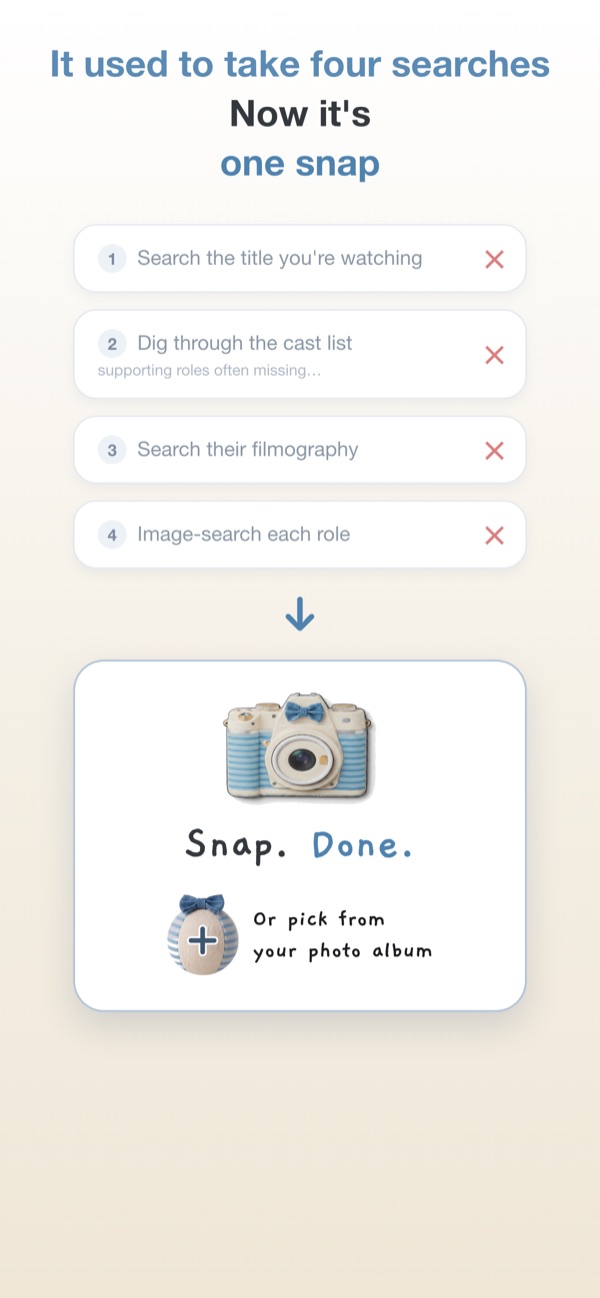
Four searches, now one snap
What we all used to do when a face looked familiar.
The old way
- Search the title you're watching
- Dig through the cast list (small roles often aren't there)
- Search the actor's filmography
- Image-search each role to remember them
who are you again?
- Point your phone at the screen and snap. Done.
Same face, different roles
That's exactly why we forget names. Here's our mascot playing eight of them.








How it works
Three taps, no typing.
Snap the screen
Point at the TV or monitor. A photo or screenshot from your album works too.
See their roles
Their best-known titles spread out in a circle, each with a one-line "oh, THAT character!" reminder.
Tap a title
See scene stills from that title — and where you can watch it.







Questions
Is it free?
Your first 20 searches are free. After that, you can subscribe for unlimited searches. A search that doesn't find anyone never uses up a free search.
Will it find every actor?
Not yet, to be honest. Very new or little-known actors may not be found. We add more actors regularly, including supporting actors from Korean and international shows.
Does it work with a photo of the TV?
Yes — that's what it's made for. Photos and screenshots already in your album work too.
What happens to my photo?
It's sent to our server only to recognize the face, then discarded. Your search history stays on your phone. No sign-up, no account. Privacy Policy
Is there an Android version?
Right now it's iPhone only.
Guides
How to find that actor — with or without our app.

Who was that again?
Next time, just snap.
Download on the App StoreiPhone app · 20 free searches to start